Featured

My First Blog Post

LED FLASH CHALLENGE

We began Robosumo by doing a challenge called The LED Flash Challenge. The purpose of this challenge was to teach us how to control the LED’s using the Arduino. Also, programming using binary numbers was involved in the challenge. At the start we sat a task for each member of the team. I worked on the programming while my colleagues built the electric circuit.
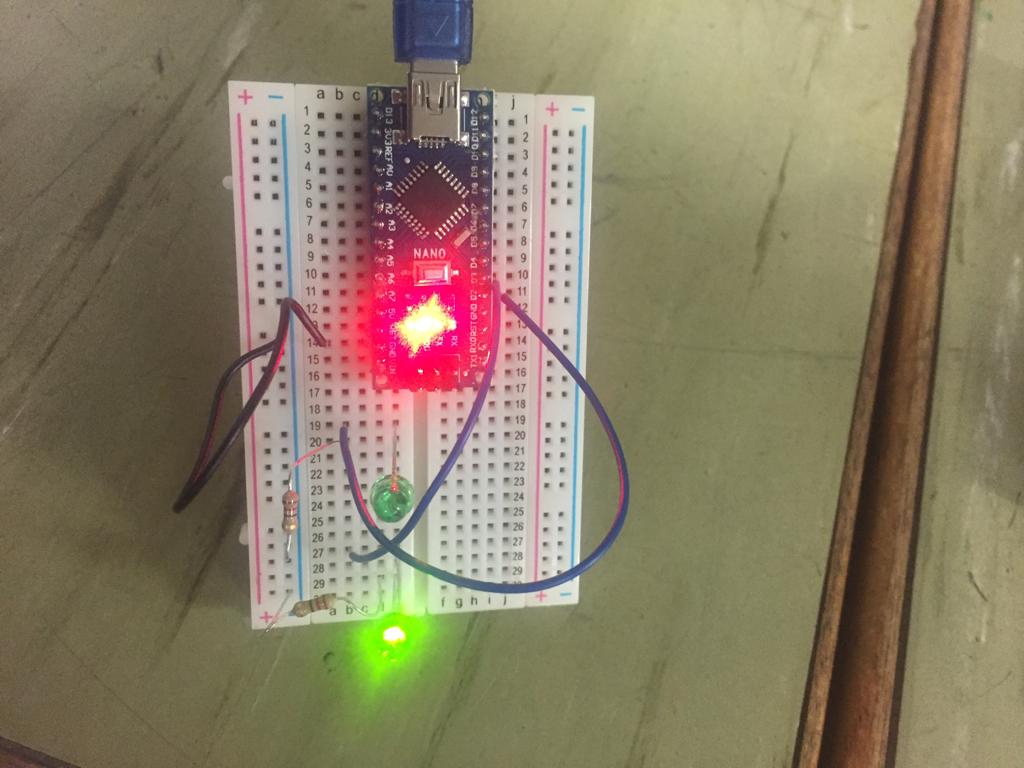
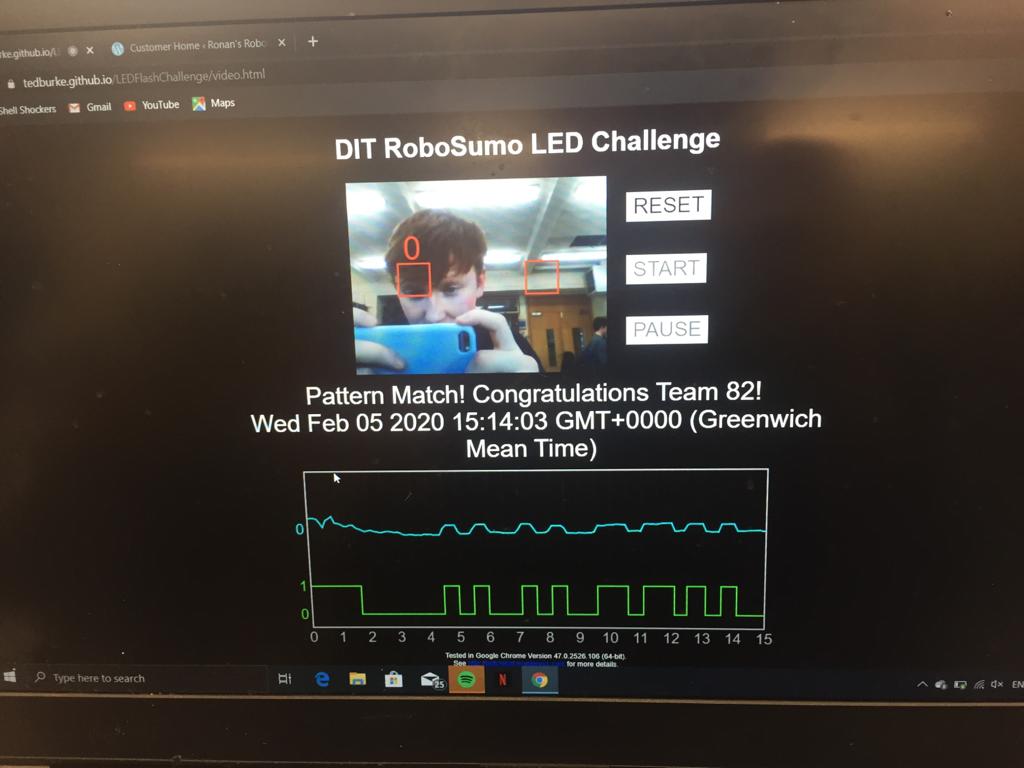
In the RoboSumo Cookbook, Ted Posted a video showing us how to create a simple optical transmitter, which transmits a digital message as a series of LED flashes. I watched the video and started following along with it. We were supposed to blink our team number 82 in binary.
Tip The Can Challenge

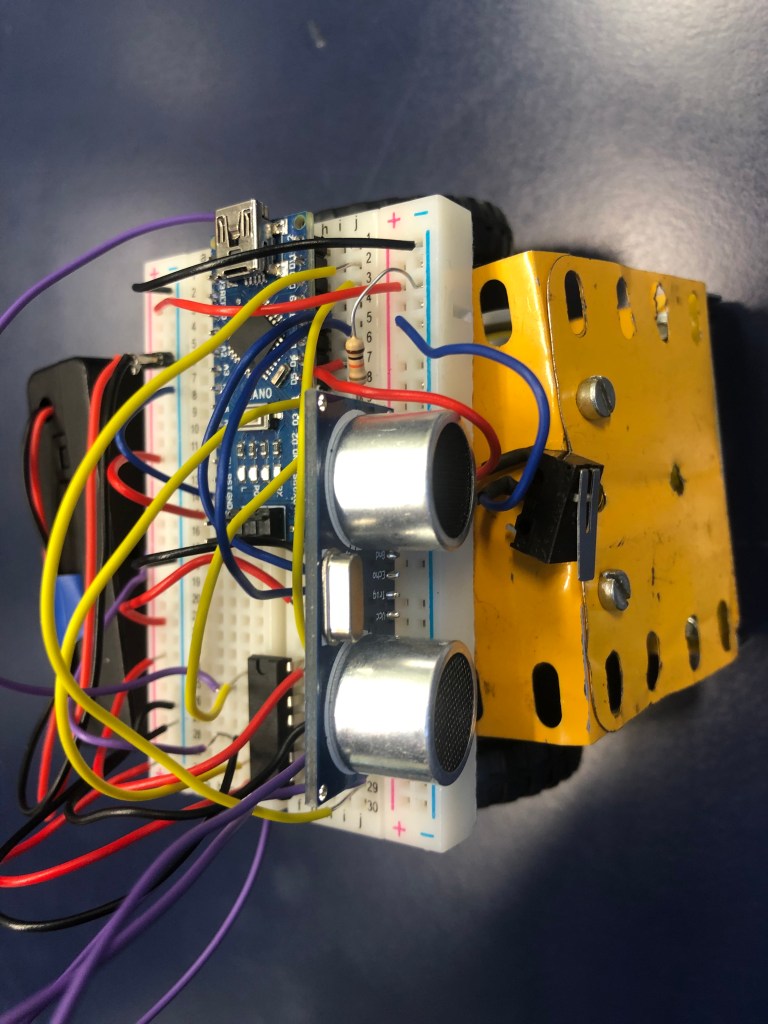
Unfortunately, we did not make it through Tip The Can Challenge. We faced several difficulties which made it stressful on that day. The first problem was that when our robot was hitting the can, the switch did not press, so the robot did not reverse and stop. The second problem was the battery, the rangefinder did not have enough battery to help it detect the can. Our robot was turning around itself for a whole minute and not recognising anything.

Tidying Up Our Robot

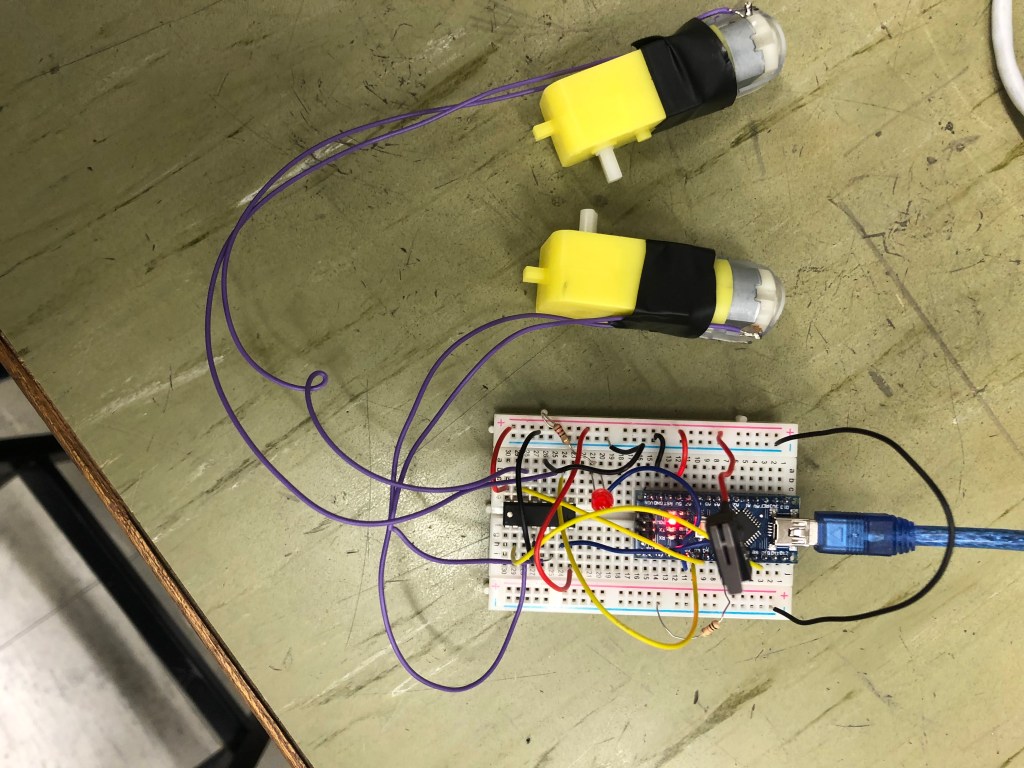
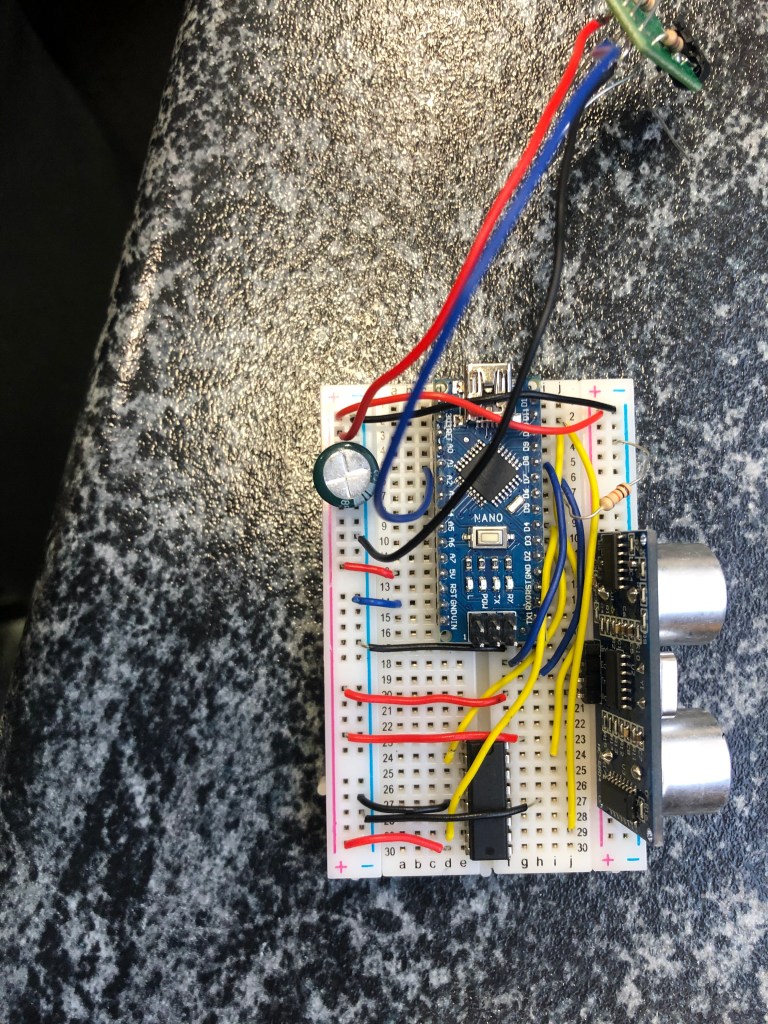
The RoboSumo competition requires a lightweight and powerful robot than the Tip The Can competition robot. There is a risk that if our wiring is exposed, our competitor could take one out, which will lead to a broken circuit at the end. This means that we needed to remove all the extra parts of the wires in the breadboard circuit so that they were running flat on top. The breadboard will now be placed on top of the robot neatly.

Coding For Tip The Can Challenge

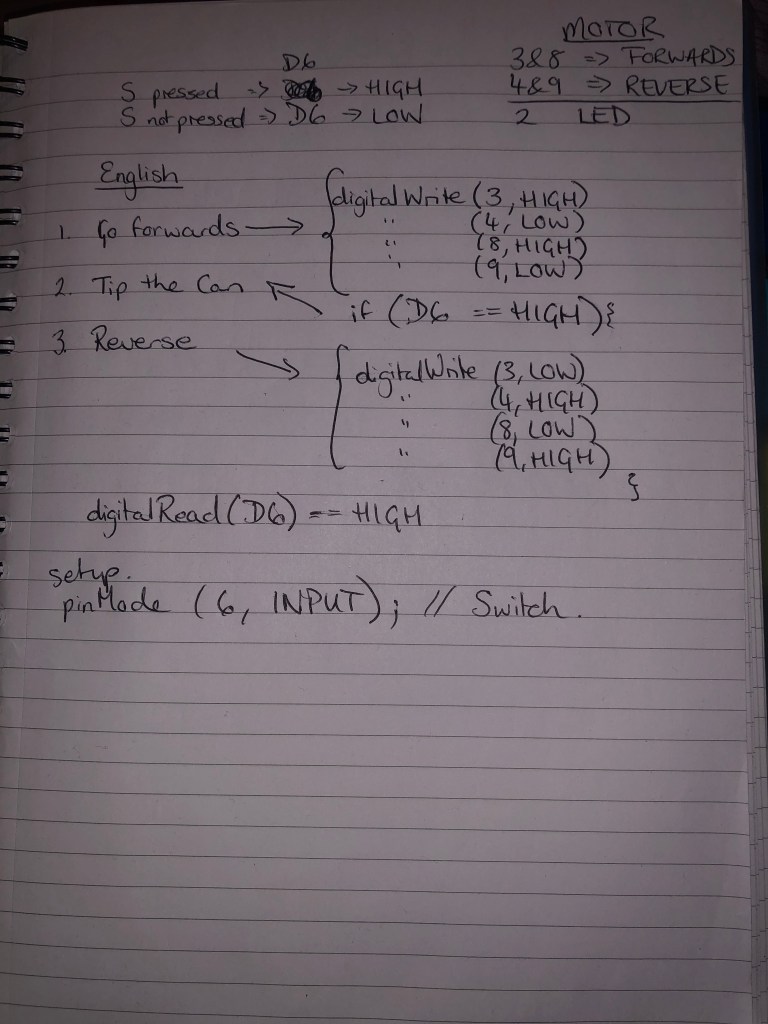
Our robot will use a rangefinder to detect the can. One of the motors will go forward while the other goes backwards so the robot will rotate around itself. Once the rangefinder detects the can, the robot will move forward to tip the can. We will place a switch in front of our robot so when the can press the switch our robot will reverse and stop after a few seconds.

One of my colleagues was capable of telling me precisely which driving chip pin was attached to each of the sensors, as well as the motors and the LED. Most of my time was spent on the code. It was hard to program the robot to perform these movements. In the end, we worked it all out, but we could not test it because our robot was not built yet.

Building The Robot For Tip The Can Challenge

The motors and the wheels are an essential element of the robot, so we as a team decided to use rounded wheels which will make our robot move smoothly and without much drag. The wheels that we picked were thin to fit within size restrictions. We looked at some websites to buy our robot’s pieces of equipment from, such as http://www.aliexpress.comhttp://www.amazon.co.uk, and http://www.ebay.ie.

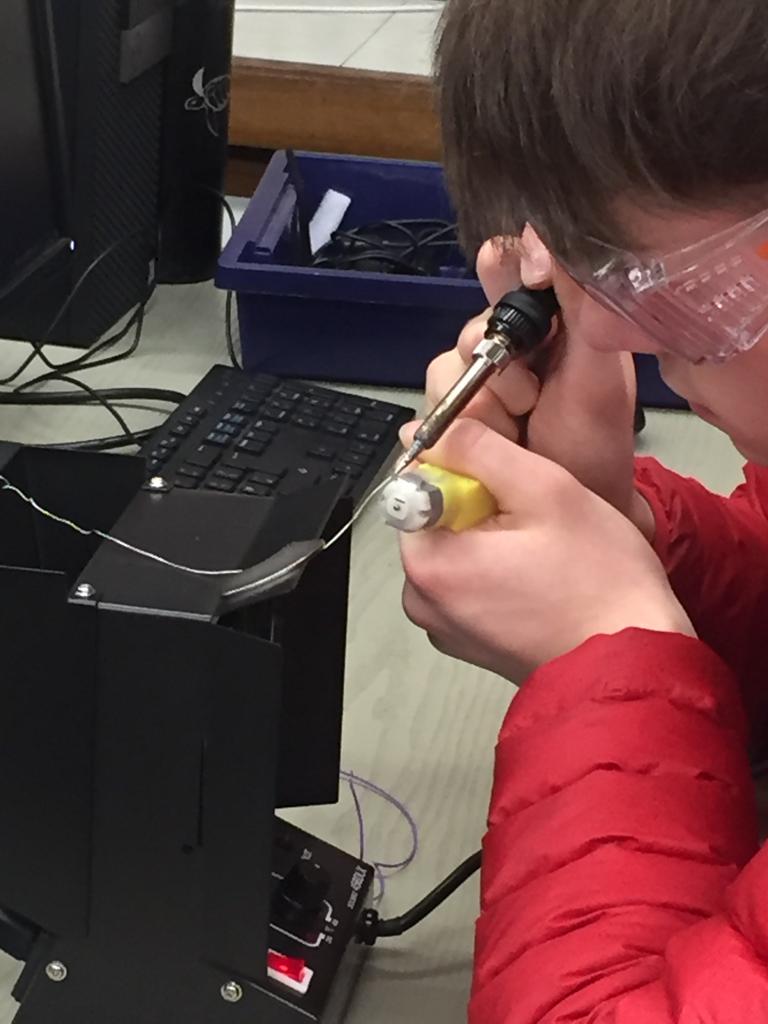
My team started soldering the motors so that we can use it in our circuit next week, while I was working on programming and coding for our robot with my lecturer.

LED Flash Challenge Succeeded

In today’s lecture on our Design Projects, we were advised that the blink speed of the LED will never be the same as what we set it in the programme. If we program an LED to blink for 0.1 seconds, for example, it might blink for 0.134 seconds. I added delays at the beginning and the end of the LED pattern because my lecturer advised me to do it. The purpose of these delays was to make the testing device calibrate itself.

We compiled the program and tested it. The LED’s were working fine, so we were expecting that we were going to get our binary number (82). When we tested our circuit in the LED Flash challenge Validator, we did not get our binary number. I knew that there was something wrong with my programming, and I tried to figure it out, but I could not. I watched Ted’s binary video again, and I noticed that I forgot to put in zeros before and after the code. I inserted the zeros and tested our circuits again. The circuit worked well, and we got our binary number.

Design a site like this with WordPress.com
Get started